

AI-Powered
Smart background expansion and optimization.
Enhance your workflow with our comprehensive online video toolkit. Whether you need to compress video size, convert formats, or resize video with AI, we make it simple. No software installation required—just drag, drop, and edit directly in your browser.
![[PHOTO] hero background - Professional workspace with modern laptop displaying video editing software. Style: Clean, minimal. Color: cool. Good for text overlay.](https://image.aiai.com/20260324/a0947ebdc68c89abac1c79419c65d361.png?x-oss-process=image/auto-orient,1/resize,m_lfit,w_1200/quality,q_80/format,webp)
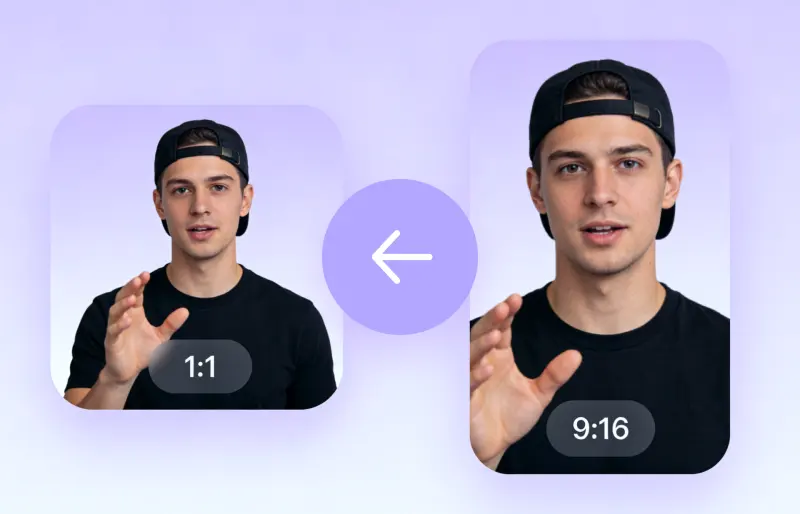
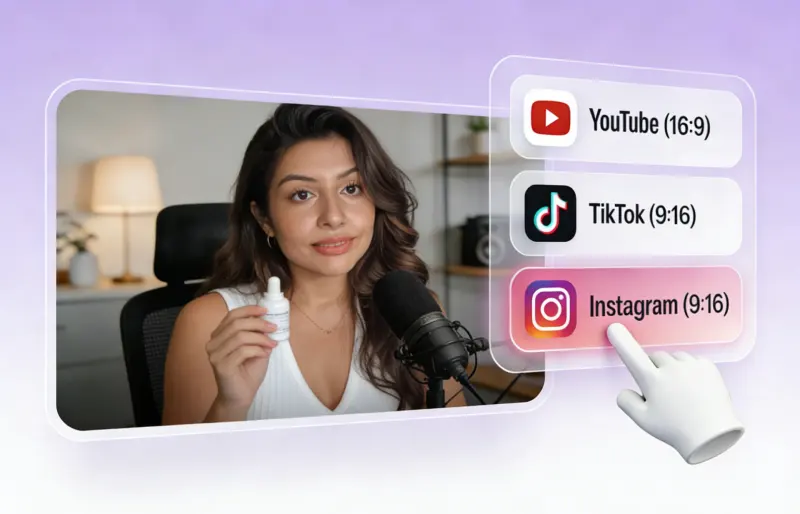
Don't just crop; expand. Use our AI video expander to resize video for Instagram, TikTok, and YouTube. We utilize generative AI to fill backgrounds naturally, allowing you to change aspect ratio perfectly without black bars or losing important footage.
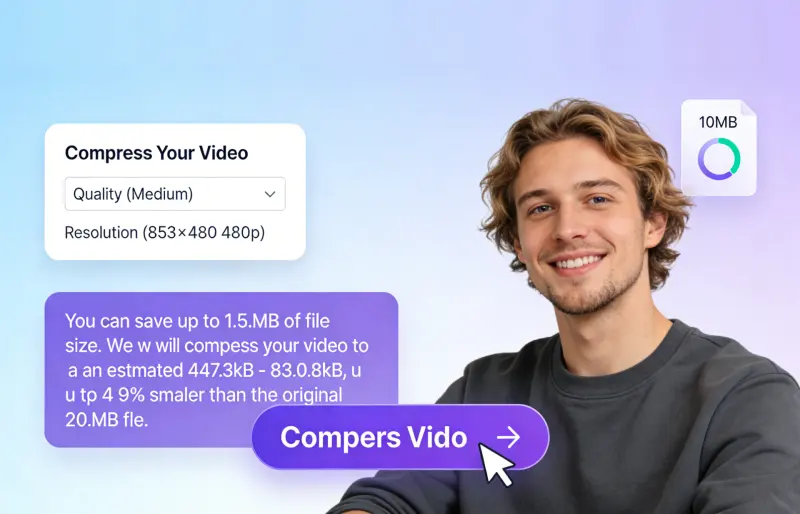
Efficiently reduce video size to save storage space or share faster. Our smart video compressor optimizes your files for Email, WhatsApp, and Web while maintaining crystal-clear HD quality. Make large files manageable in seconds.
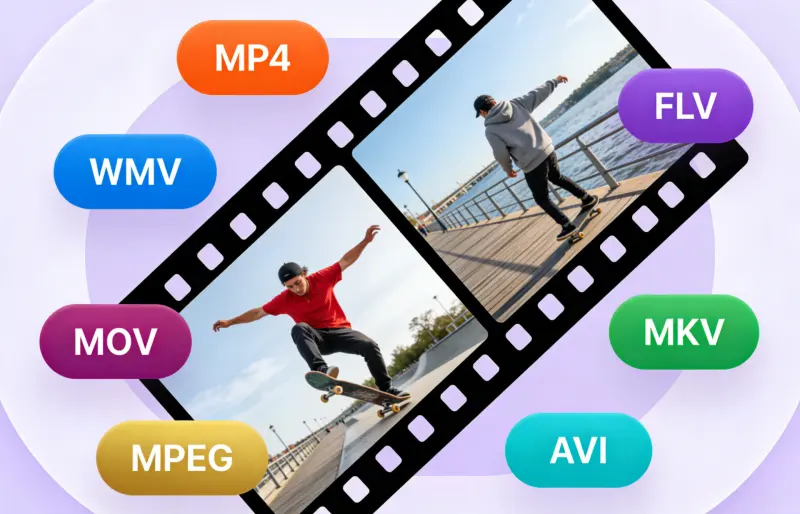
Solve playback errors instantly. Our online video converter supports MP4, MOV, AVI, WEBM, and more. Easily convert video to MP4 or turn clips into GIFs for social media. Ensure your content is compatible with any device, player, or platform.
Smart background expansion and optimization.

Files are deleted automatically after processing.

Works on Chrome, Safari, Windows, and Mac.
Our platform is designed for simplicity. Here is how to use our video tools to manage your media.

Simply upload your MP4, MOV, WEBM, or AVI file to get started.

Select the parameters you want to output and wait for AI to process your video.

You can preview the processed video and download the processed file immediately.
Whether you are optimizing ads for Facebook, fixing vertical videos for YouTube Shorts, or sending large proofs to clients, our AI video tools streamline your production. Social Media / Email / Web Optimization: Resize video for Instagram stories or reduce file size for email attachments effortlessly.
Learn more about our free video editor features and limitations.
Here is what content creators think about our AI video tools.
The fact that it runs entirely in the browser is amazing. No need to install sketchy software.
The format support is extensive. I haven't found a video file it couldn't handle yet.
Select the perfect plan for your needs.
No credit card required