
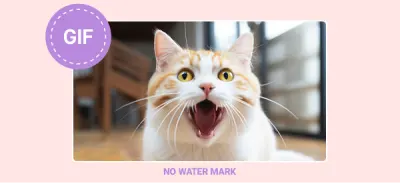
No Watermarks
Your creations are yours. We never add branding to your GIFs.
Want to turn video into gif instantly? Our online tool lets you convert MP4 to animated GIF in seconds. Create high-resolution, watermark-free GIFs for Discord, Twitter, or your blog. Just upload, convert, and share.
![[PHOTO] hero background - Animated GIF conversion process interface. Style: Clean, minimal. Color: vibrant. Good for text overlay.](https://image.aiai.com/20260325/64574125f3d93e676b8e0ef764a649af.png?x-oss-process=image/auto-orient,1/resize,m_lfit,w_1200/quality,q_80/format,webp)
Your creations are yours. We never add branding to your GIFs.
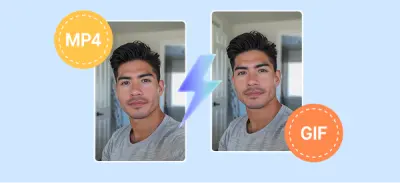
Convert mp4 to gif in a blink with our cloud-based AI engine.
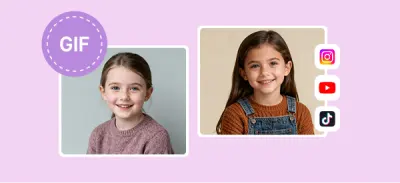
Keep the smooth motion of your original video.
![[PHOTO] meme creation - Funny reaction face on mobile phone. Style: Bright, engaging. Color: vibrant.](https://image.aiai.com/20260325/93e7bf5cd4a37cd7788cea6cf679fbf6.png?x-oss-process=image/auto-orient,1/resize,m_lfit,w_400/quality,q_80/format,webp)
Turn iconic movie clips or funny personal videos into viral reaction GIFs.
![[PHOTO] social media - Social media icons on a screen. Style: Modern digital. Color: brand.](https://image.aiai.com/20260325/c8a280bd409f510a5f9430215e1d72a5.png?x-oss-process=image/auto-orient,1/resize,m_lfit,w_400/quality,q_80/format,webp)
Perfectly optimized GIFs for X (Twitter), Reddit, and Discord.
![[PHOTO] product demo - Laptop showing software interface. Style: Professional workspace. Color: cool.](https://image.aiai.com/20260325/cd52b35431ddf1fadeb802b2c01edb9c.png?x-oss-process=image/auto-orient,1/resize,m_lfit,w_400/quality,q_80/format,webp)
Create lightweight, looping previews of your software or product for your website.
![[ILLUSTRATION] format conversion - Abstract 3D shapes representing file transformation. Style: 3D isometric. Color: brand.](https://image.aiai.com/20260325/d9a526e086366ba2a5b68e7dc2f0f449.png?x-oss-process=image/auto-orient,1/resize,m_lfit,w_800/quality,q_80/format,webp)
Don't let format errors stop you. Our onlinevideoconverter supports all major formats. Easily convert MOV to gif (from iPhone) or transform WebM into professional animations. It’s the most versatile converter gif tool online.
Drag and drop your video file (MP4, MOV, or AVI) into our secure uploader.
Choose the specific part of the video you want to turn into an animated GIF.
Click 'Convert' and save your high-quality GIF to your device instantly.
![[ILLUSTRATION] advanced settings - Dashboard with sliders for FPS, resolution, and quality. Style: Modern UI mockup. Color: dark mode.](https://image.aiai.com/20260325/2871cebd0c793ccb2b1a71f000b9640f.png?x-oss-process=image/auto-orient,1/resize,m_lfit,w_800/quality,q_80/format,webp)
Want more than a basic conversion? Adjust frame rates (FPS), resolution, and looping options to get the exact look you need for your animated content.
The format support is extensive. I haven't found a video file it couldn't handle yet.
Extracting audio from my video podcasts is now a breeze. The MP3 quality is crystal clear.
Select the perfect plan for your needs.
No credit card required